Software

ARGION

Switches the outputs of an RFID reader based on the transponders it reads

The ARGION logo: a dark grey disc on the left, partly enclosed by a dark blue shape whose straight left edge has a rounded notch around the disc and whose curved sides narrow to a point on the right.

Overview

ARGION is software that runs directly on the RFID reader. Equipment wired to the reader’s outputs and relays, such as a signal lamp, a gate or an input of a machine controller, reacts to which transponder is in front of the reader. No separate system is needed to receive the reads and pass them on.

ARGION is set up in a web interface that the reader itself provides. After that, ARGION works unattended.

Features
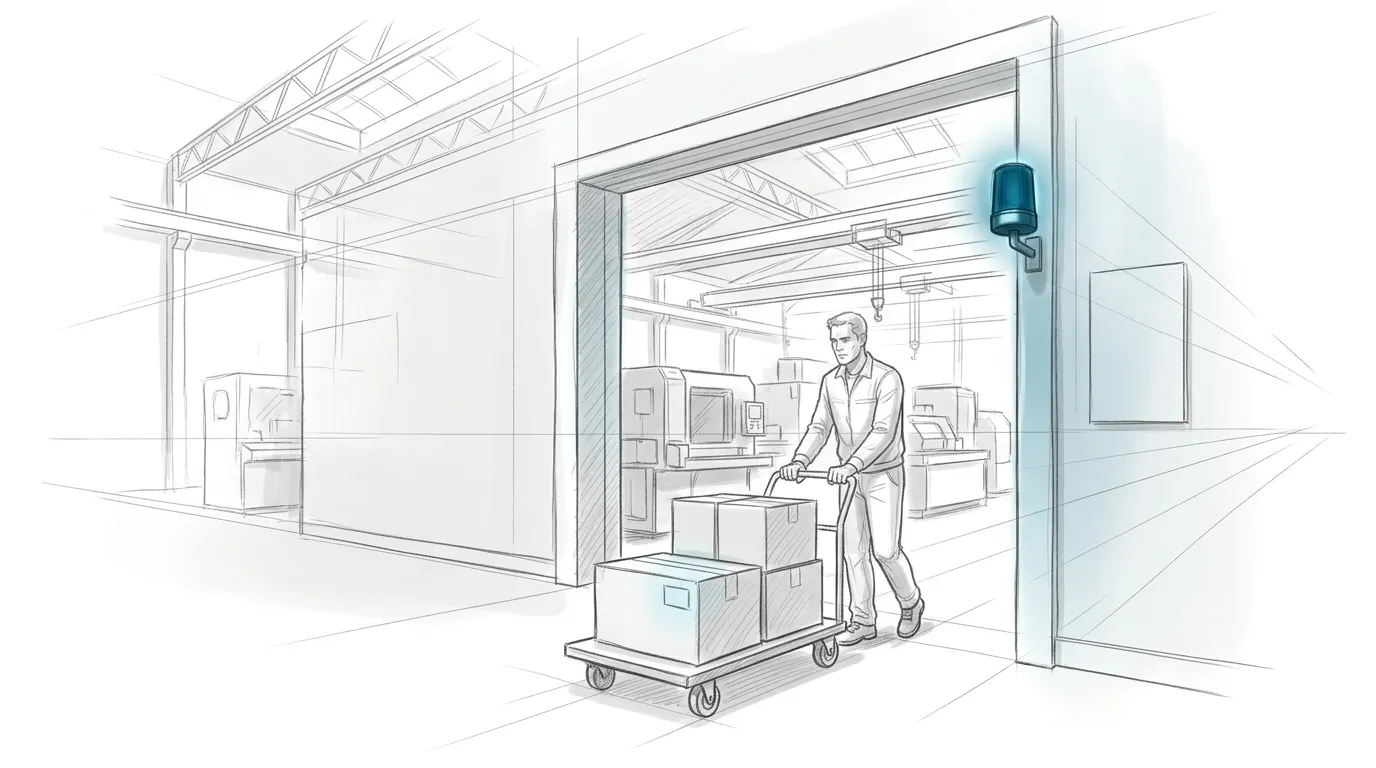
  • A pencil sketch of a production hall. A worker pushes a flat trolley stacked with cardboard boxes through a wide passage. A signal lamp on the frame of the passage glows blue, and a small tag on the front box catches a faint reflection of its light.

    Switch outputs by the transponder that is read

    When a transponder is read, ARGION searches the stored mappings for one that matches the transponder's encoding. If it finds a matching mapping, ARGION applies the action defined in it. The action sets each output (digital output or relay) to switch on, switch off or stay as it is. After a set hold time, the outputs switch off again automatically.
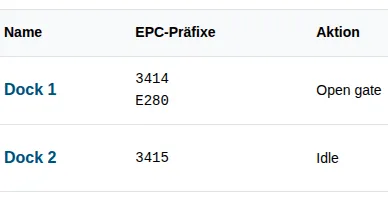
  • A detail of the ARGION web interface in German: a table of mappings with the columns name, EPC prefixes and action. Dock 1 covers encodings beginning with 3414 or E280 and applies Open gate; Dock 2 covers 3415 and applies Idle.

    Assign transponders to an action

    A mapping defines which action is carried out for a particular transponder. Which mapping applies to a transponder is determined by the transponder's encoding. A mapping can hold the complete encoding or only its beginning, which then covers several transponders.
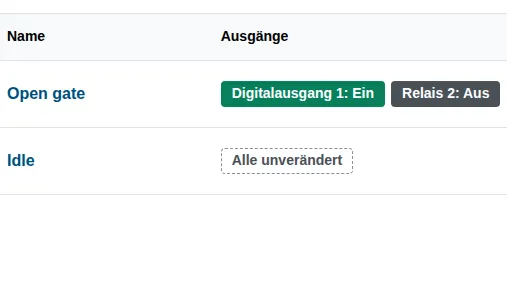
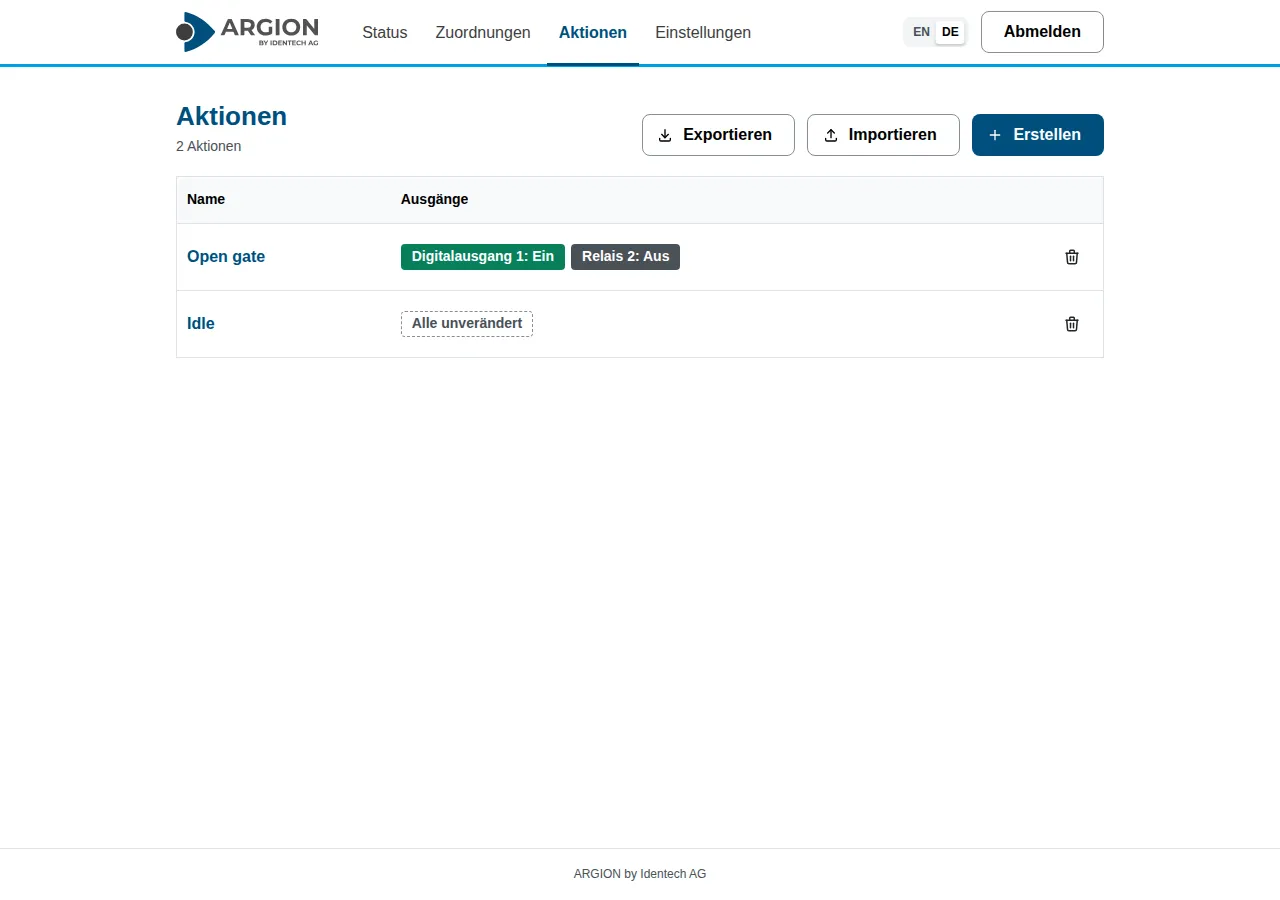
  • A detail of the ARGION web interface in German: a table of actions with the columns name and outputs. Open gate switches digital output 1 on and relay 2 off; Idle leaves all outputs unchanged.

    Define what the outputs do

    An action gives each output of the reader one of three settings: on, off or left alone. Any number of mappings can apply the same action.
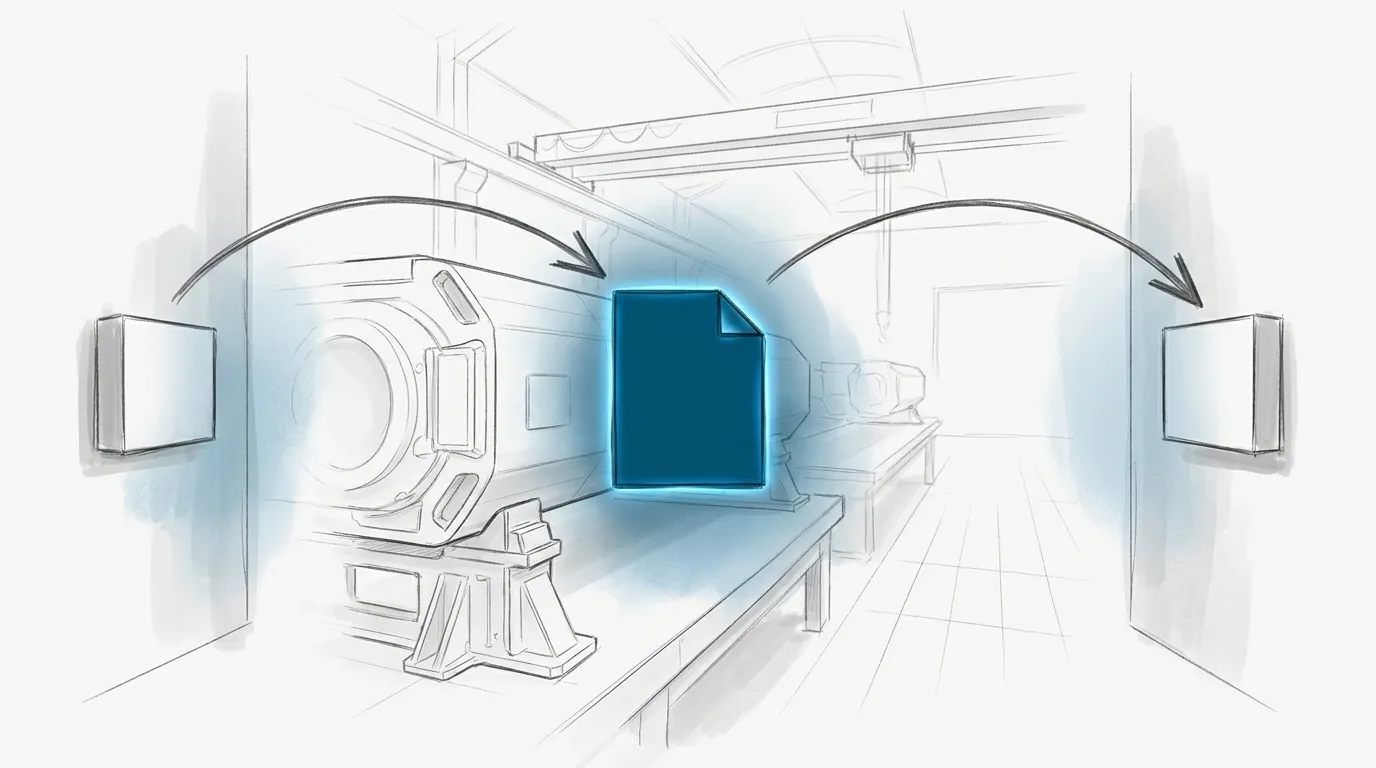
  • A pencil sketch of a production hall with two small plain boxes on the walls, one on the left and one on the right. An arrow curves from the left box to a document symbol in the centre that glows blue, and a second arrow curves from the document on to the right box.

    Back up the configuration or copy it to another reader

    Mappings and actions can be exported as files from the web interface. The files can be kept as a backup or used to copy the configuration to another reader.

Prerequisites

  • A reader: FEIG ID LRU4000 or ID MRU400

A closer look
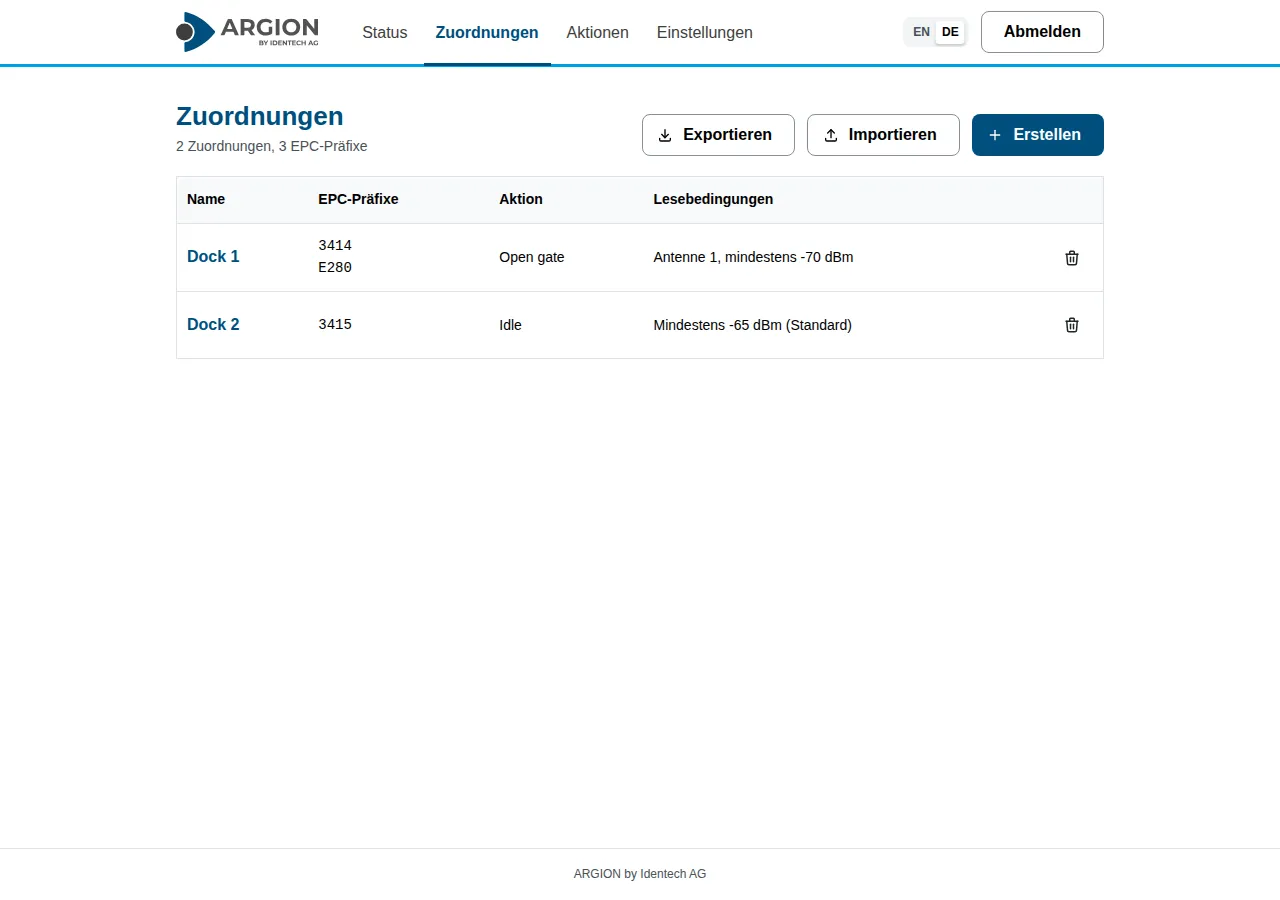
  • The ARGION web interface in German, on the Zuordnungen (mappings) page. A table lists two mappings, Dock 1 and Dock 2, each with its tag encoding beginnings, the action it applies and its read conditions. Buttons for export, import and create sit above the table.
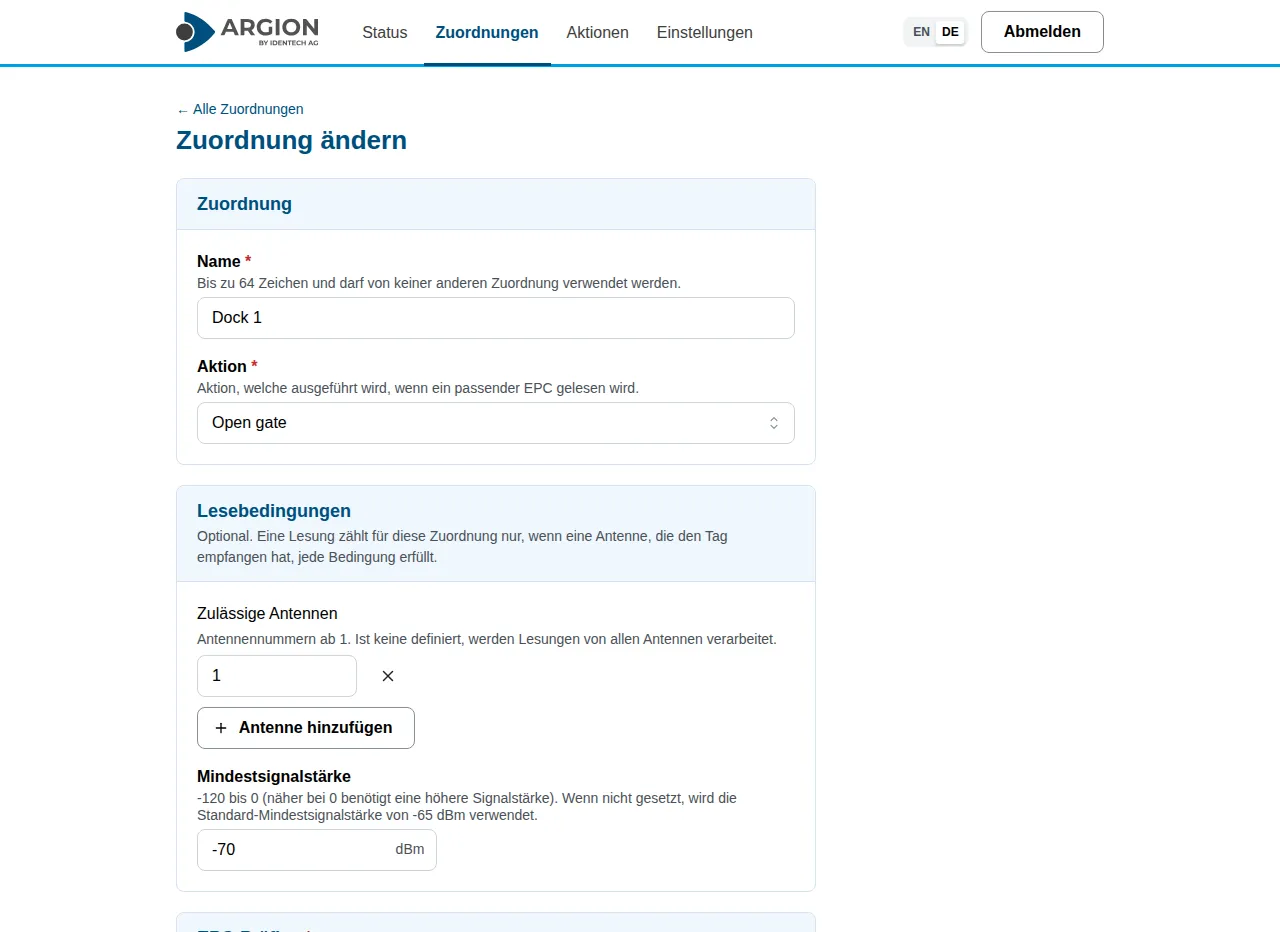
  • The ARGION web interface in German, editing the mapping Dock 1. The form shows the name, the action Open gate chosen from a list, and the read conditions: antenna 1 allowed and a minimum signal strength of -70 dBm.
  • The ARGION web interface in German, on the Aktionen (actions) page. A table lists two actions: Open gate switches digital output 1 on and relay 2 off, and Idle leaves every output unchanged.

Tell us about your use case

Together, we work out whether and how your process can be digitized.