
Overview
AIMSOC® brings automatic identification into the processes a company already runs. Work is recorded right where it happens: at the workbench, at the welding station or in the warehouse.
The software knows a company’s physical items, the people who work with them, and the identifiers that make each item recognisable. Every change is kept, so any record can be read as it stood at an earlier point in time.
Modules extend AIMSOC® for particular business processes, such as production.
Features
Keep a record of every physical item
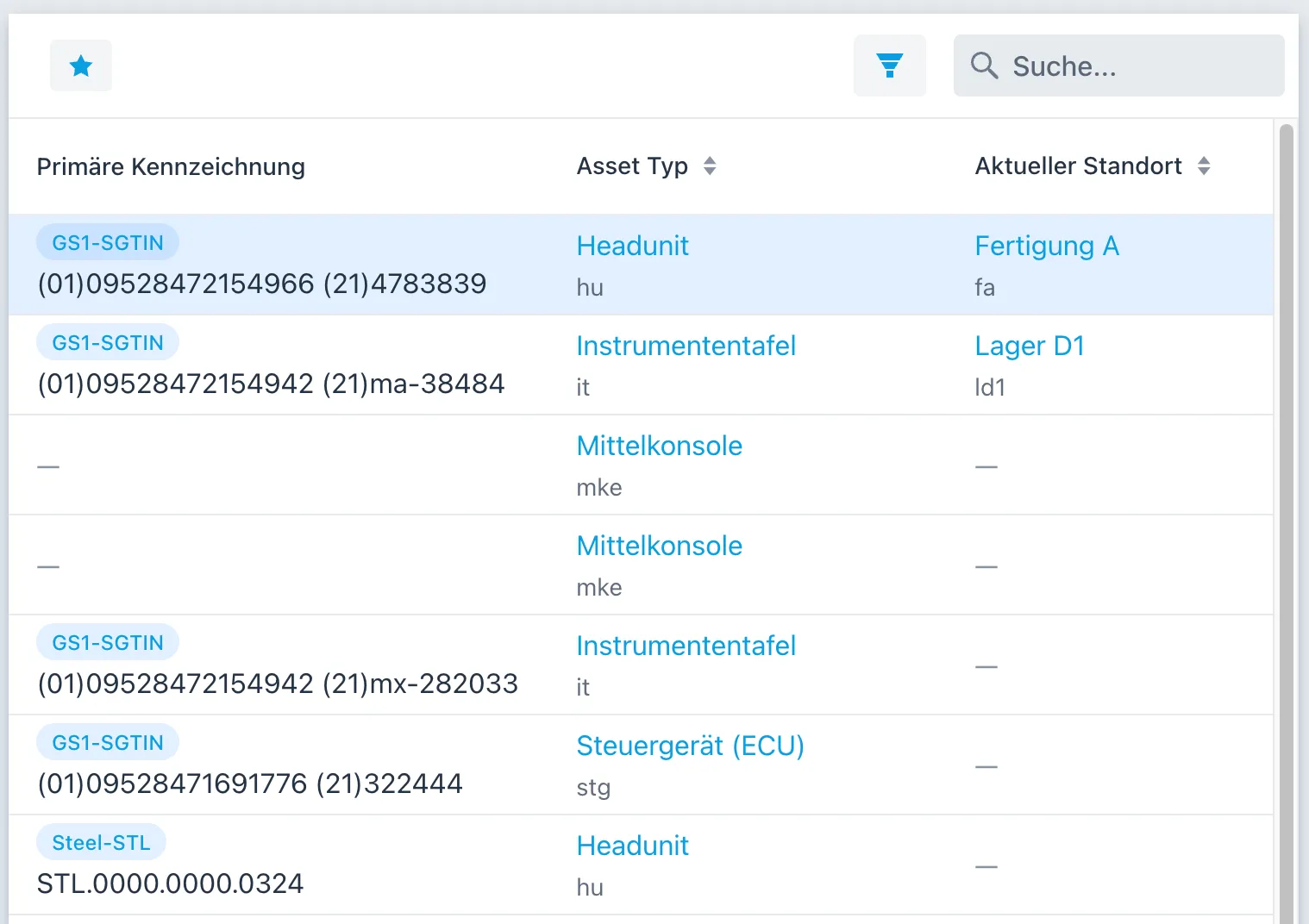
AIMSOC® keeps each physical item as a record of its own, recognisable by one or more identifiers. Every change is recorded as an event: when it happened, who made it, where, and what changed. In the software, these items are called assets.
Keep using the identifiers already in place
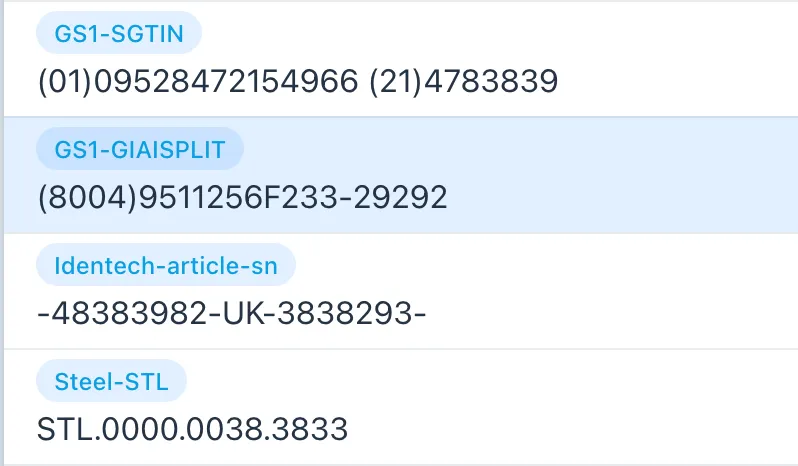
Items are recognised by their identifiers, and AIMSOC® uses several kinds of identifier side by side. These can be standards such as GS1, or a company's own internal numbering schemes.
Connect different hardware
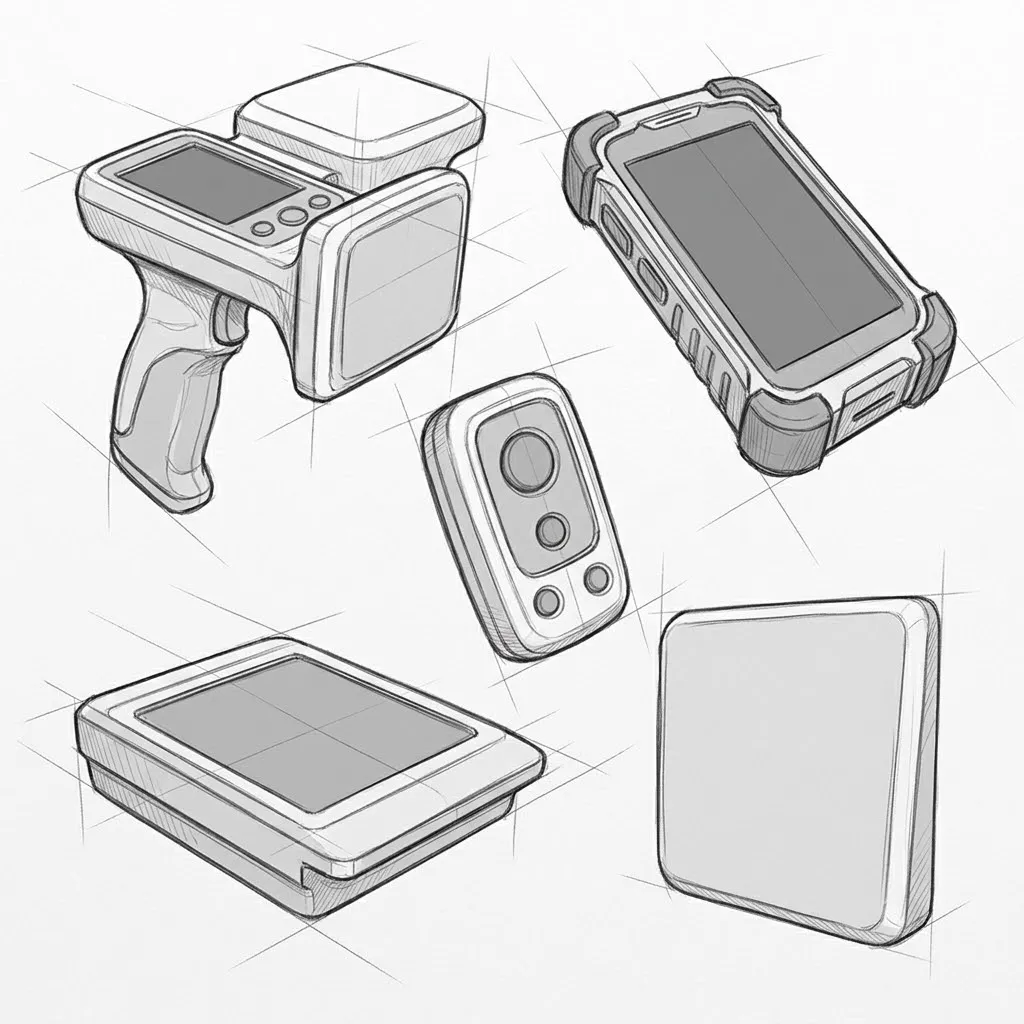
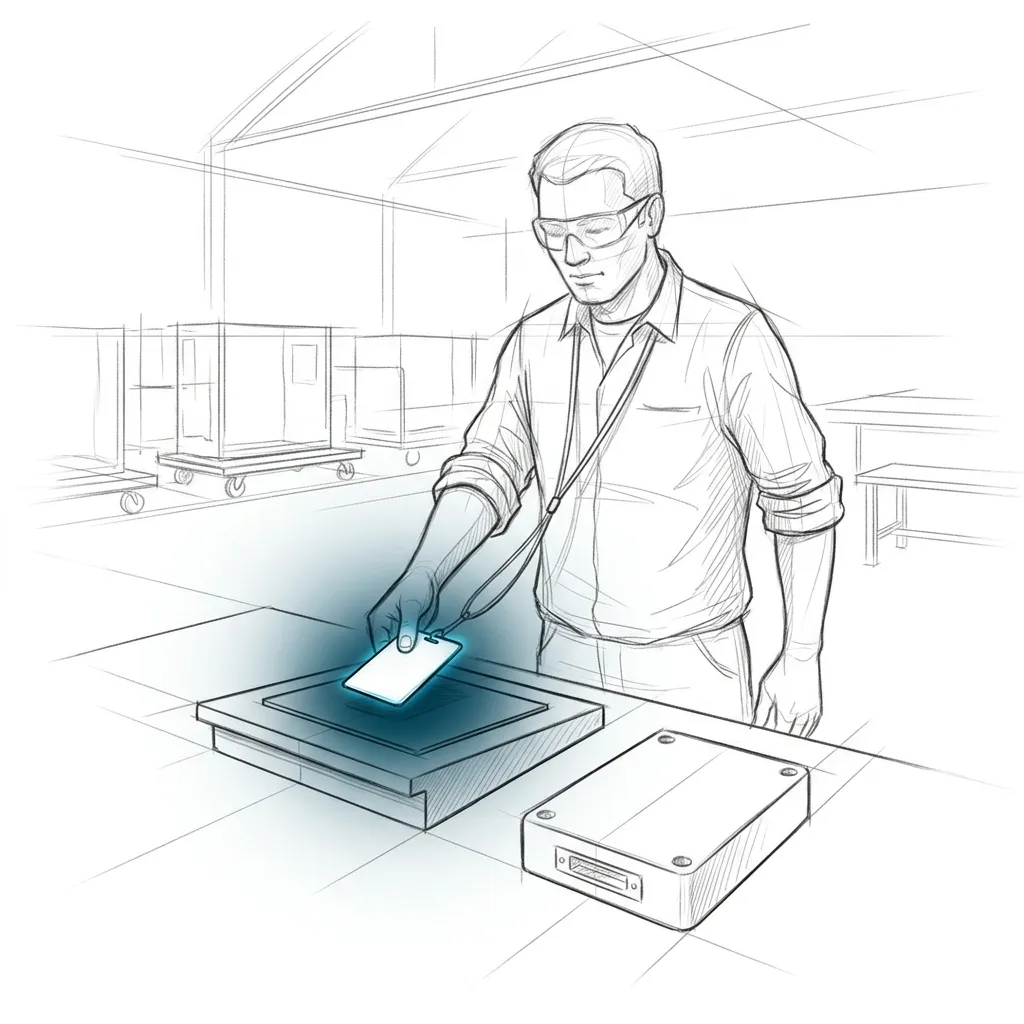
AIMSOC® is not tied to any one device. RFID readers, mobile RFID handhelds, barcode scanners and touchscreens can be connected. Several devices can be grouped into a station, where they work together.
Roles and permissions
Roles define who may do what in the system. Each person is given the roles their work requires.
Qualifications and certifications
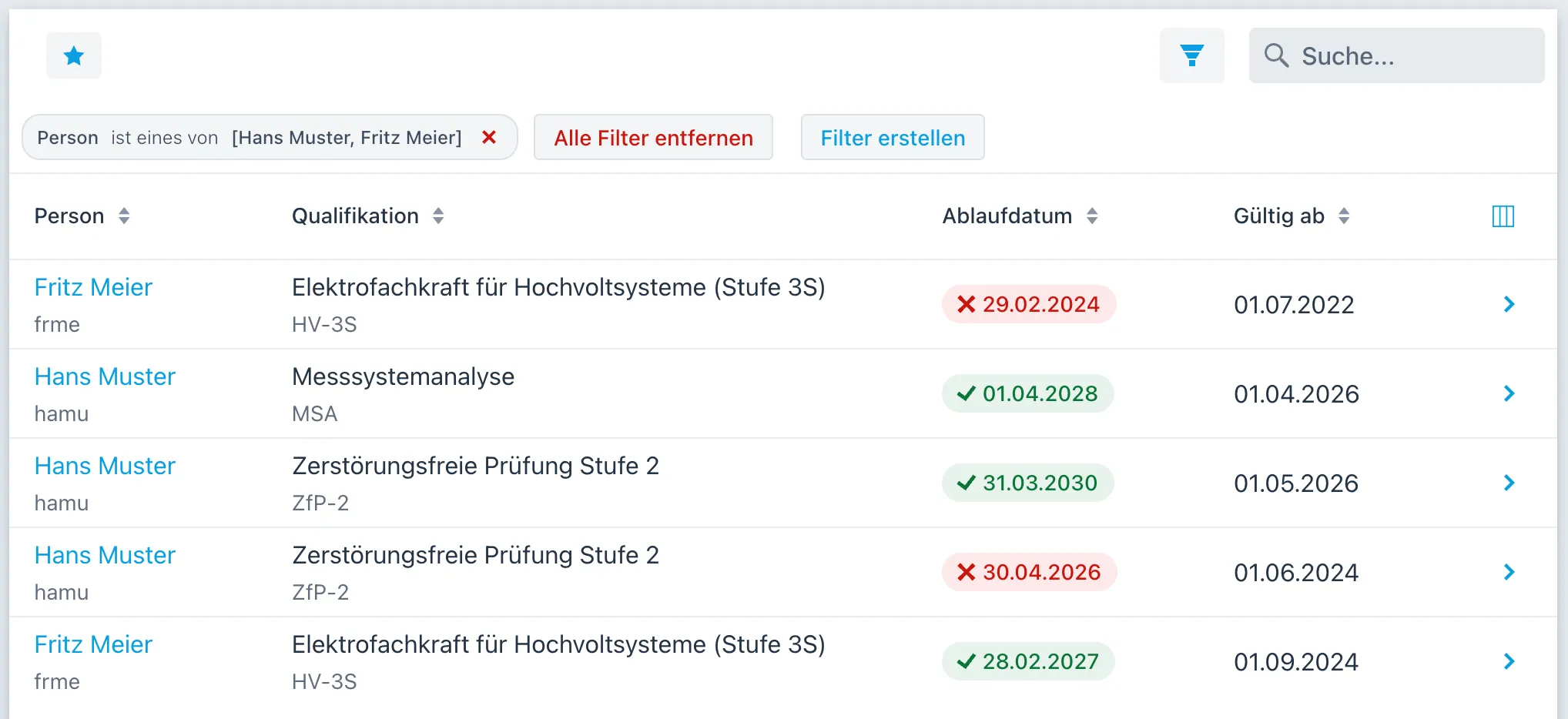
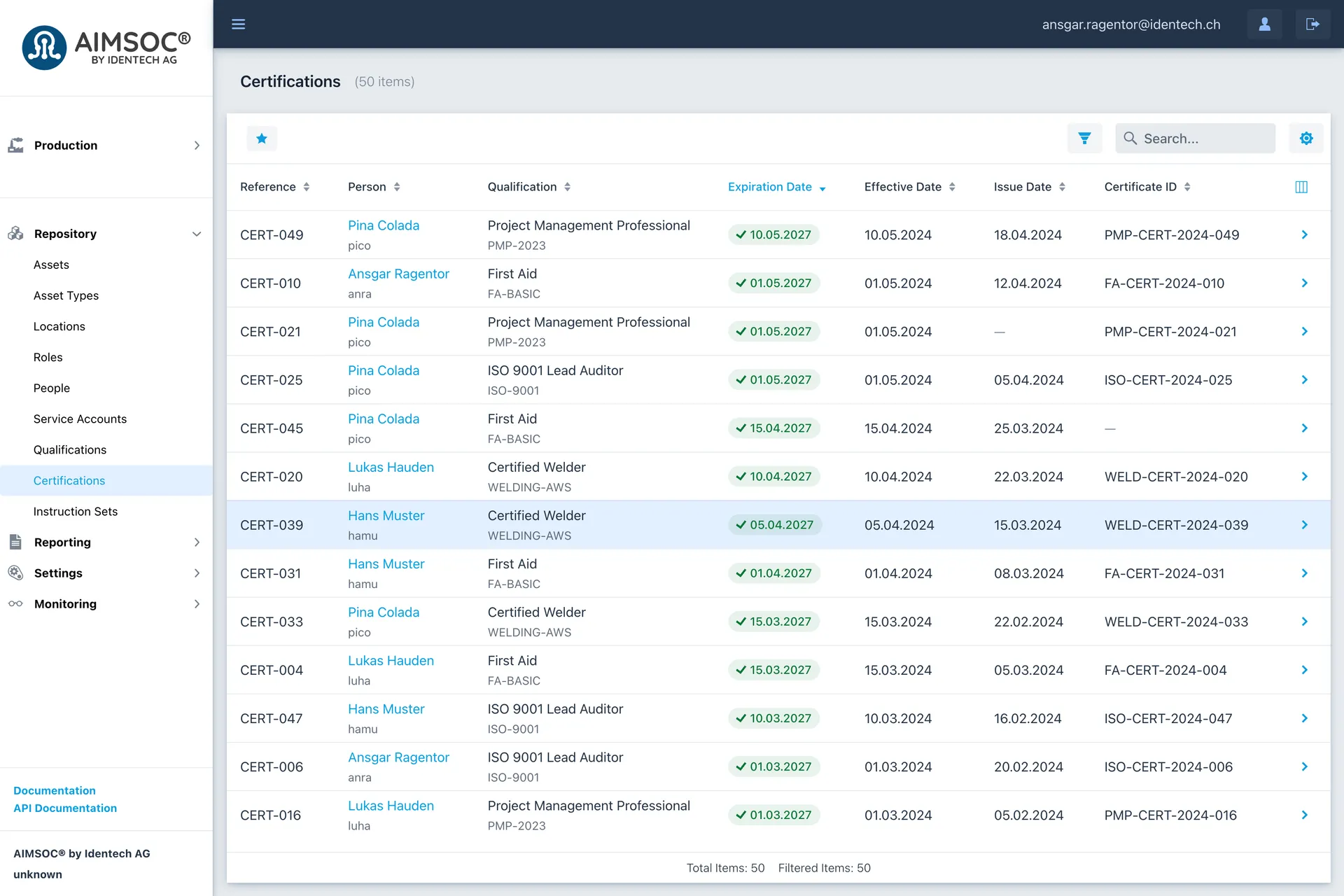
Certifications record who can demonstrate which skills. Particular tasks can then be restricted to the people qualified to carry them out.
Import data from files
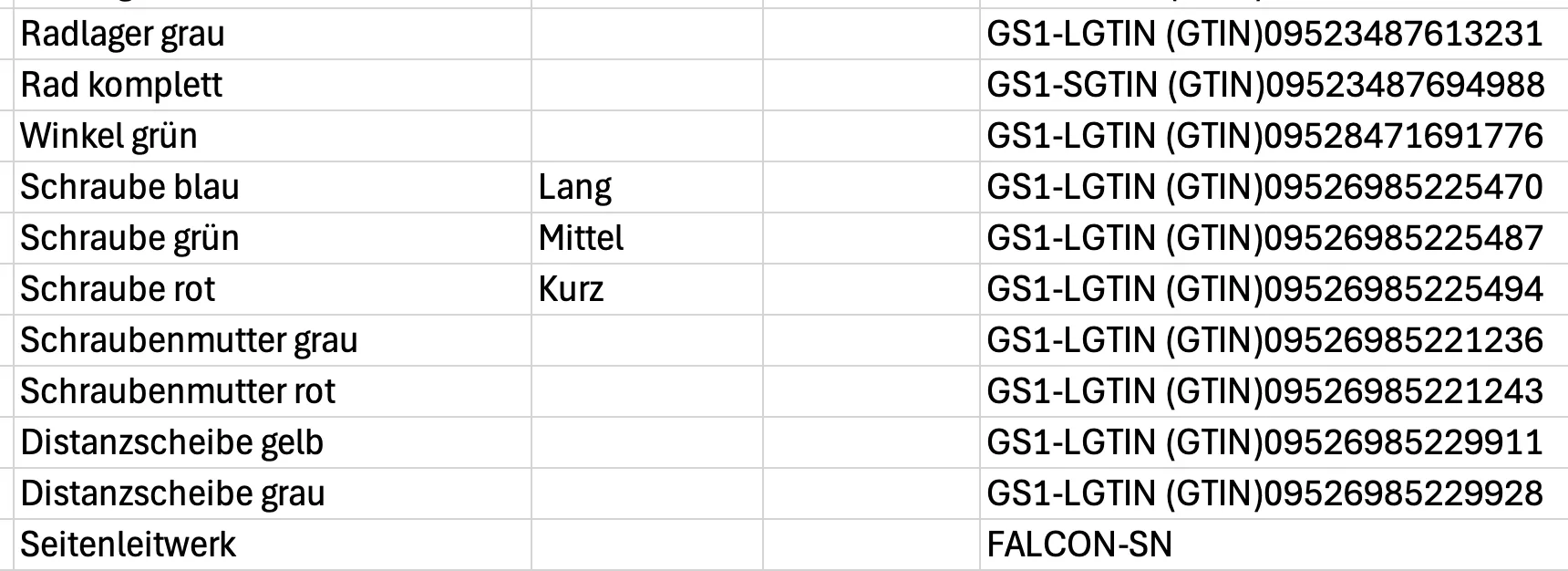
Master data and order data can be imported in bulk from a file. Each row of the file becomes a record of its own in the system.
Create reports
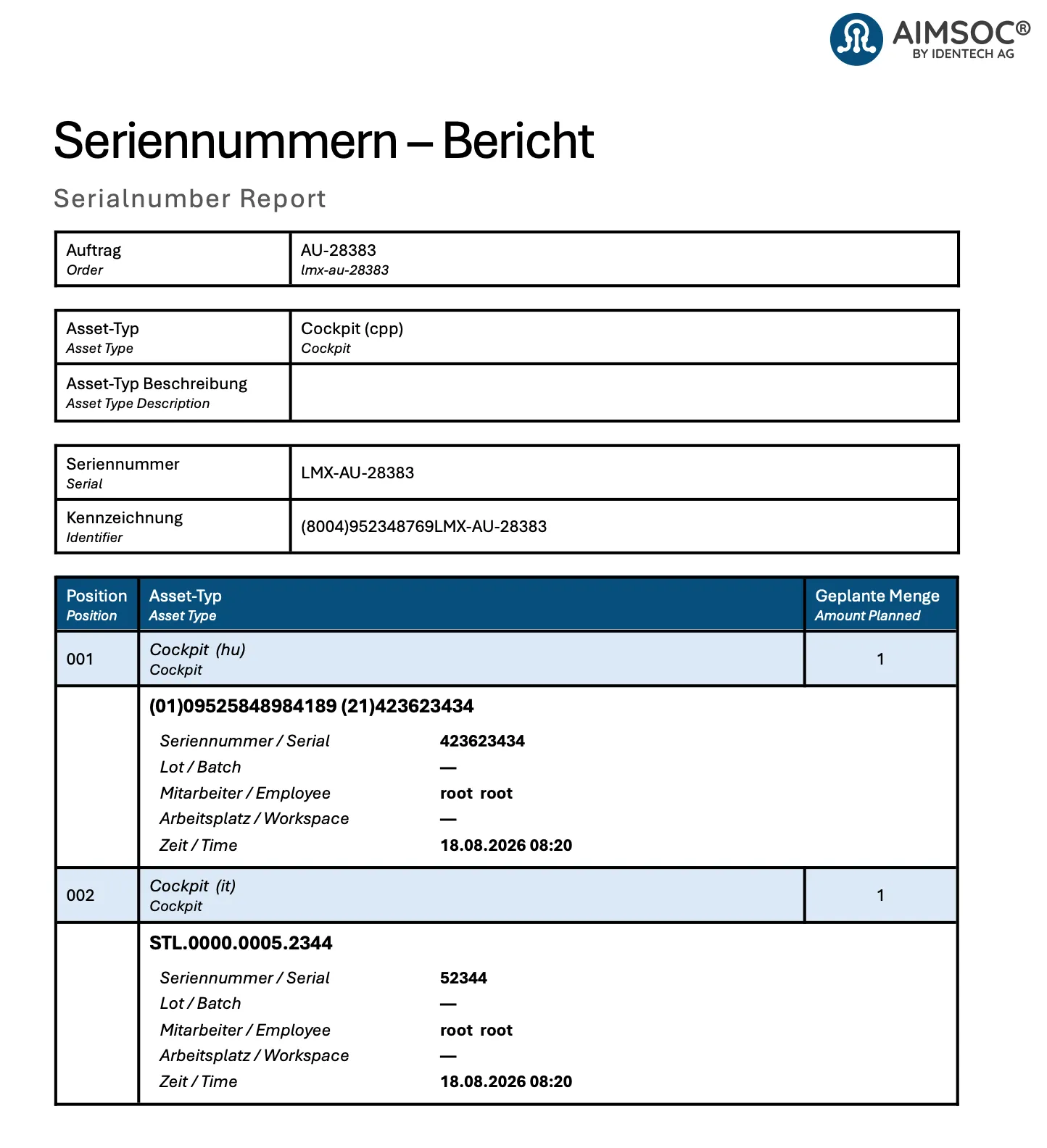
Reports are built from a company's own templates. A template arranges predefined blocks of data into a document.
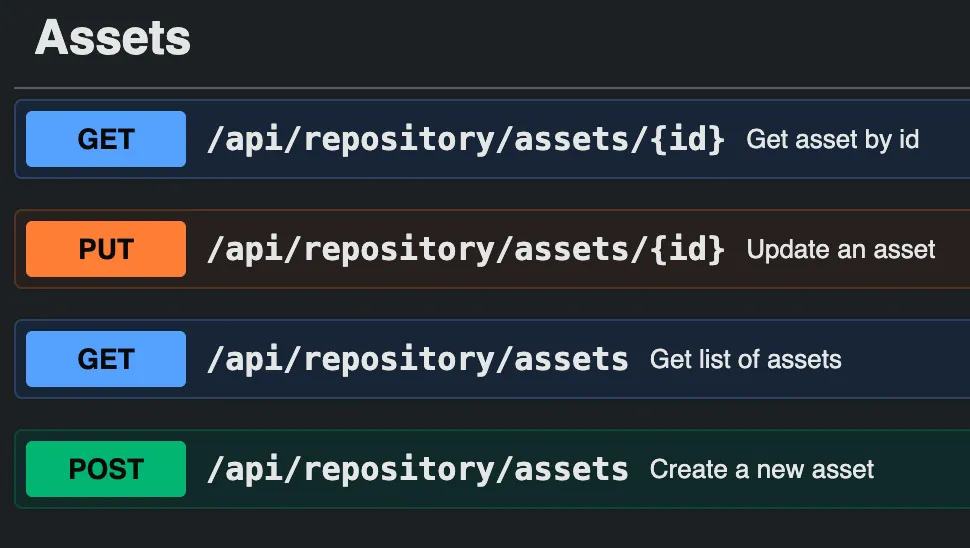
Connect other systems
Other systems can pass data to AIMSOC® and retrieve it through interfaces. An ERP system, for example, can create orders directly in AIMSOC®.
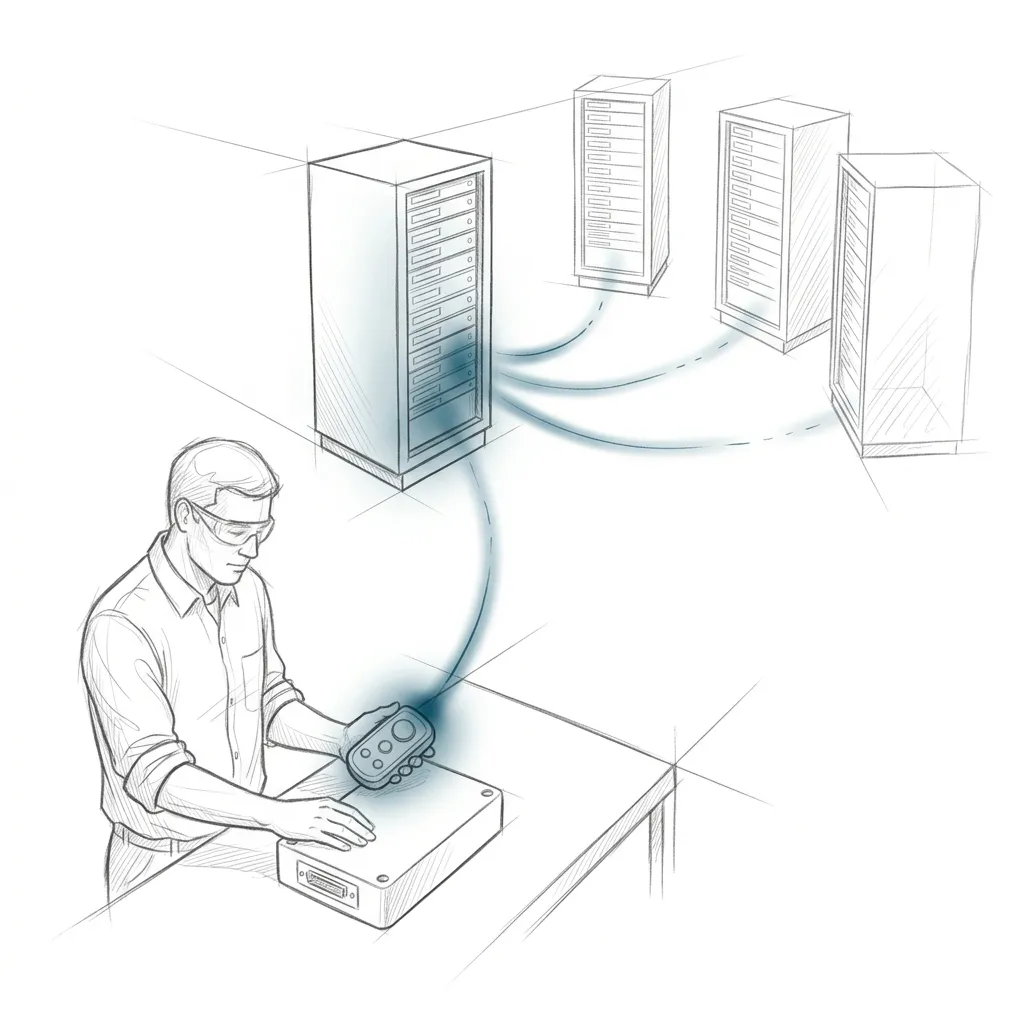
Notify other systems
When AIMSOC® records a particular event, it can notify other systems automatically. Which events trigger a notification is set in the system.
Modules
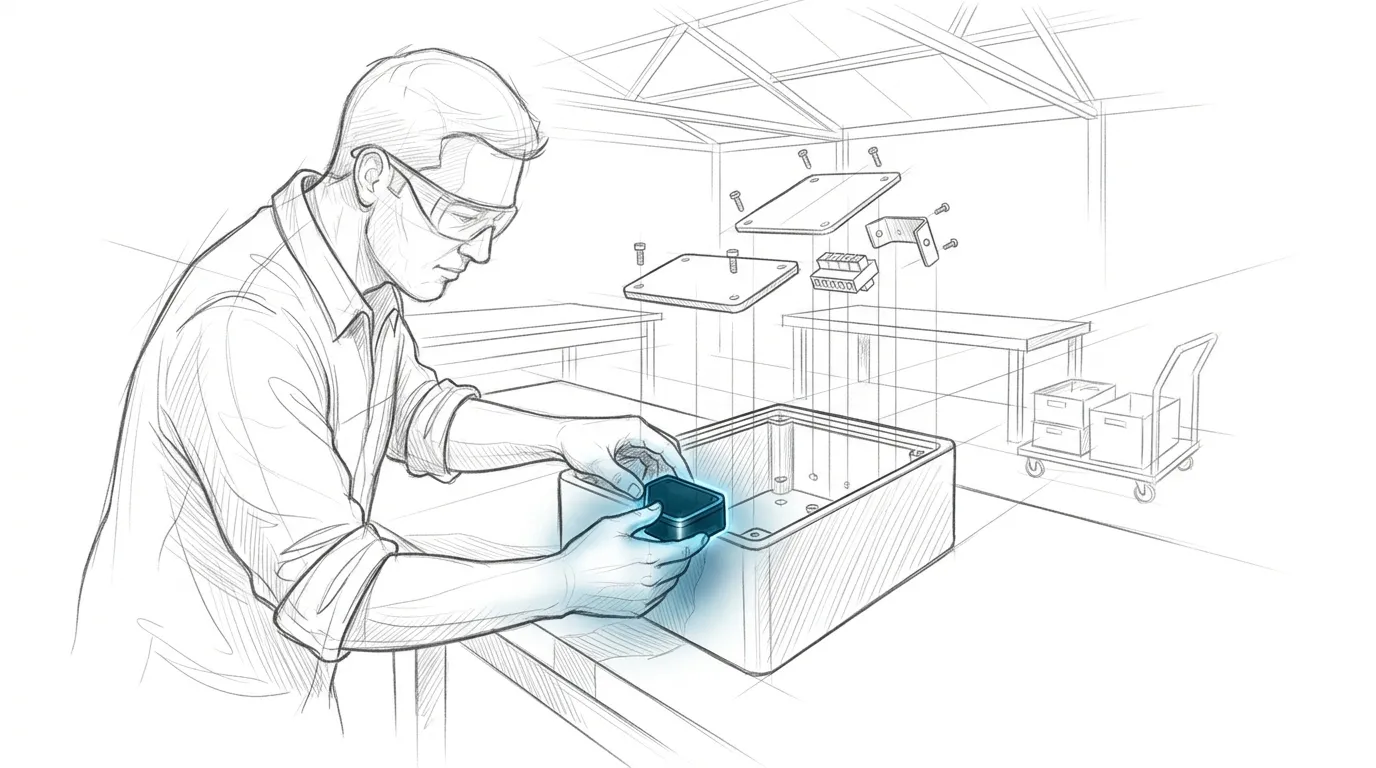
Production
An order sets out, for each unit, the steps it goes through and the components to be fitted into it.
Learn more →
A closer look
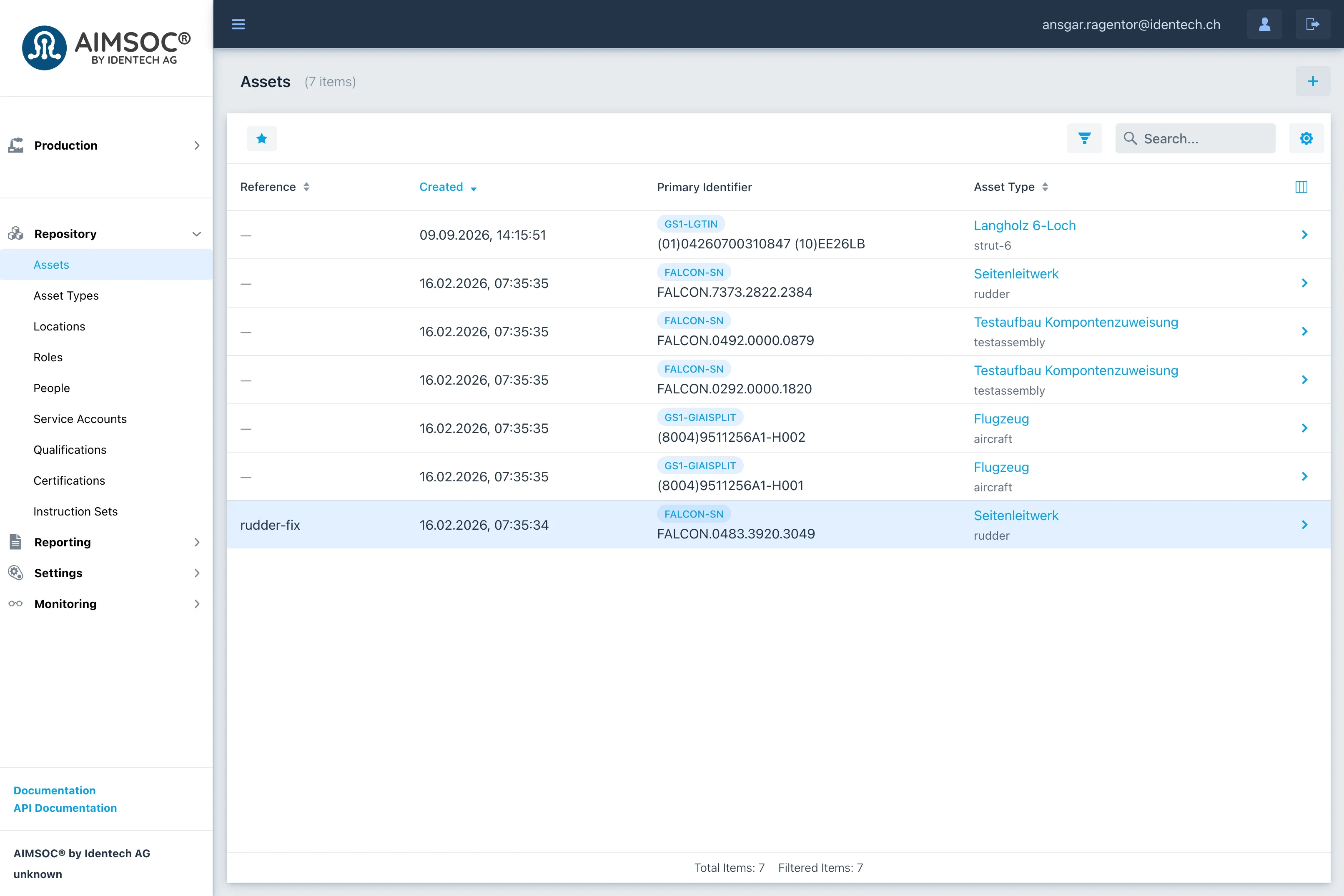
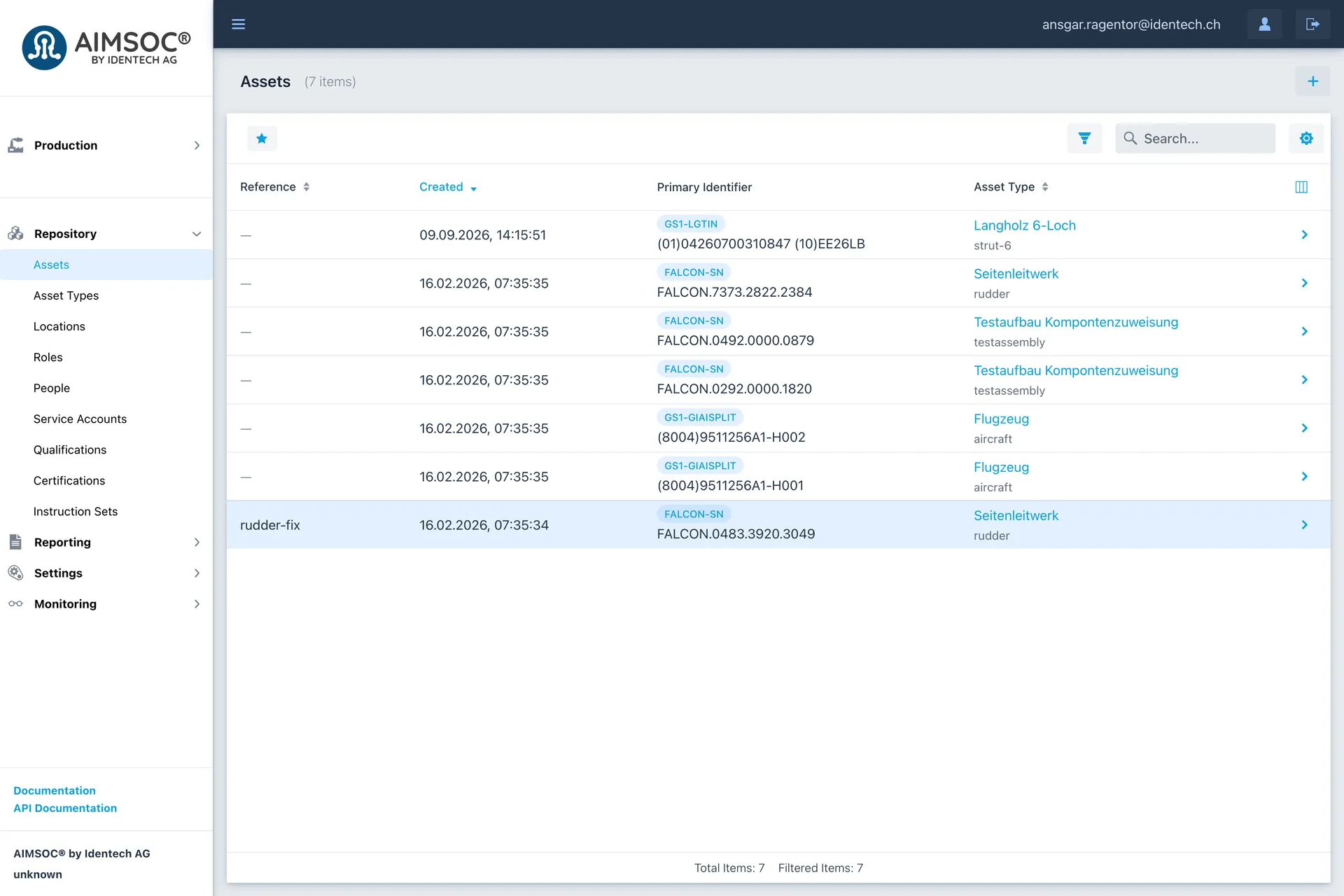
Every recorded item can be viewed in the system. 
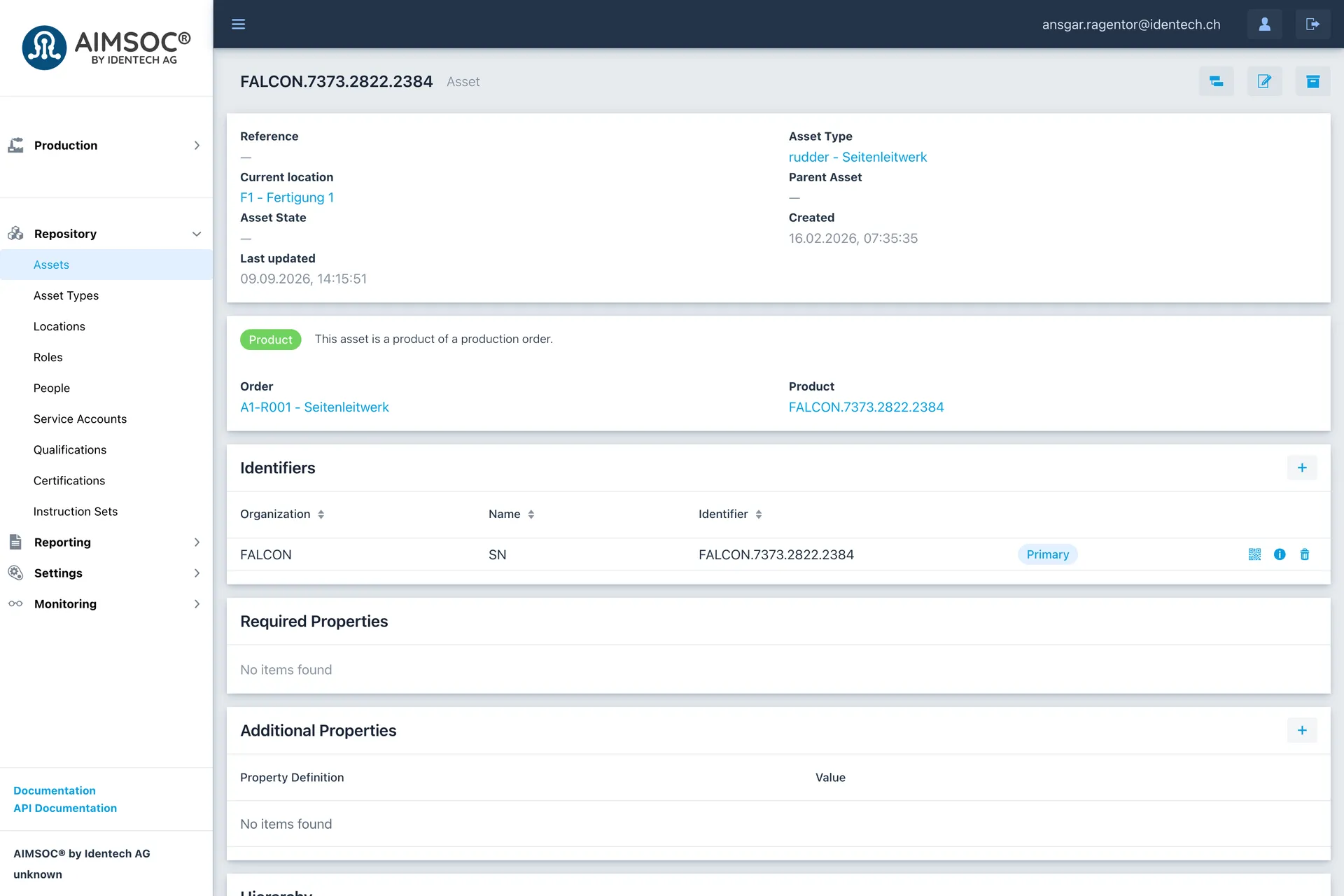
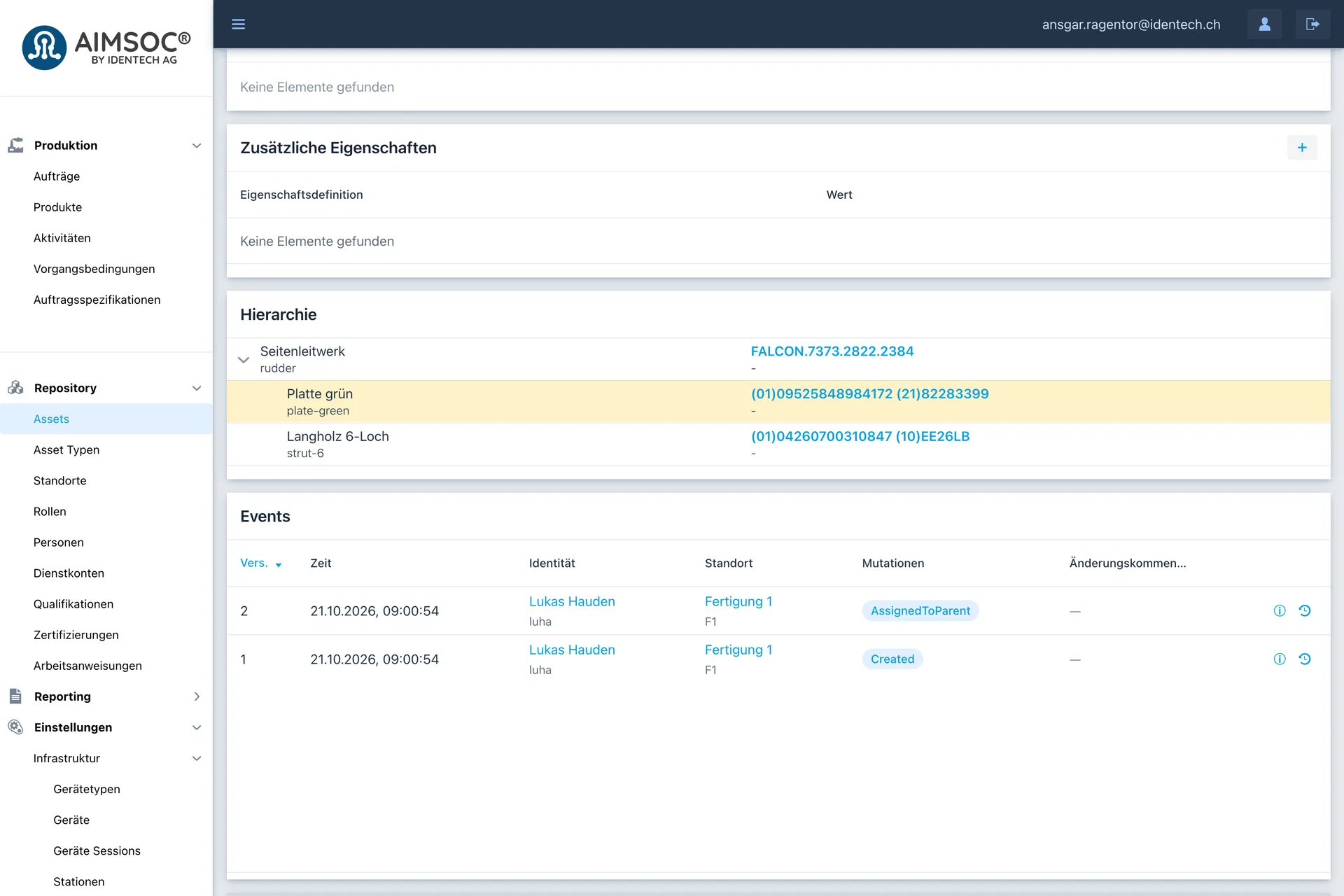
An item's detail view lists all the information available on it, including its location, type and identifiers. 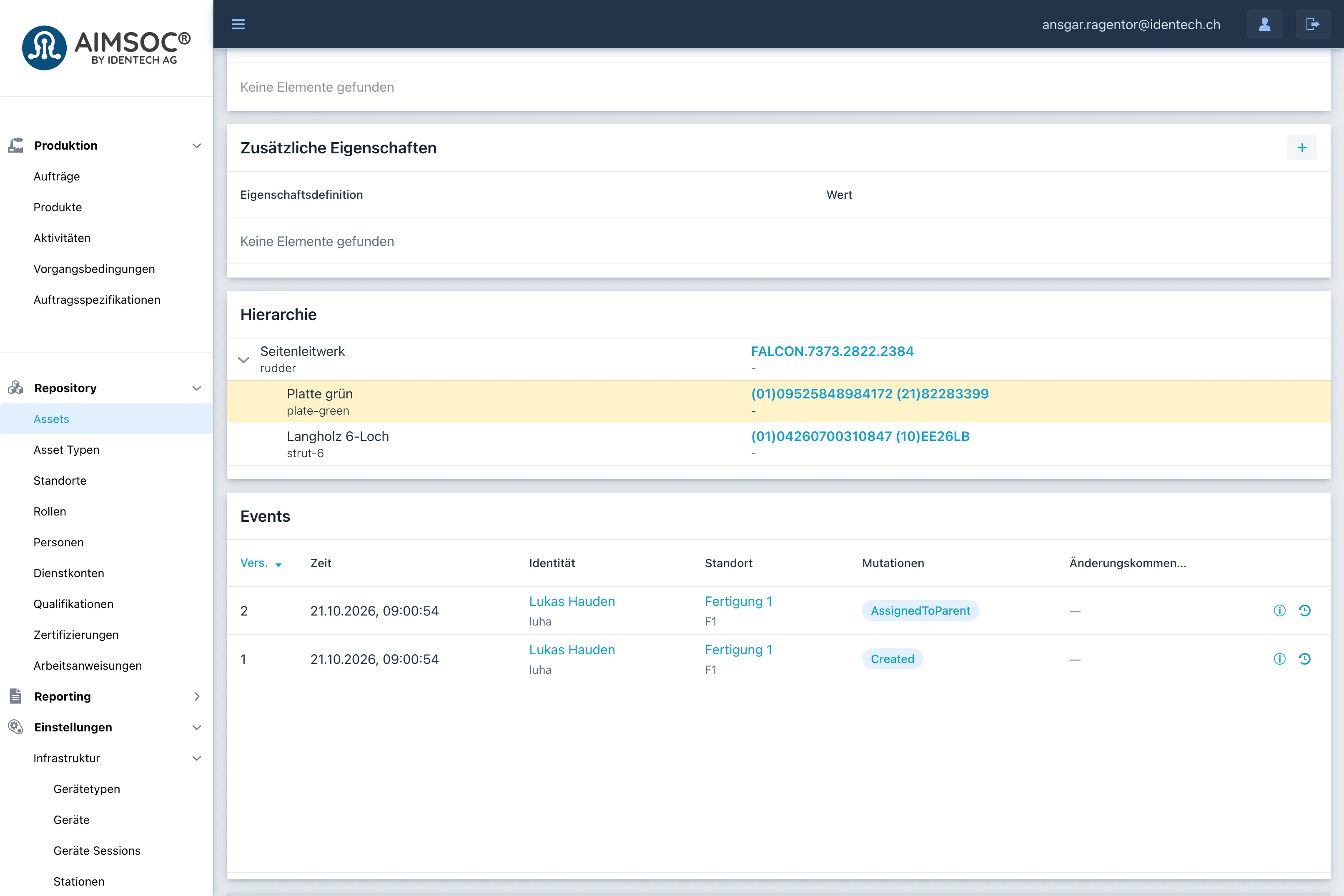
The detail view also shows the item's hierarchy, and every event that concerns the item. 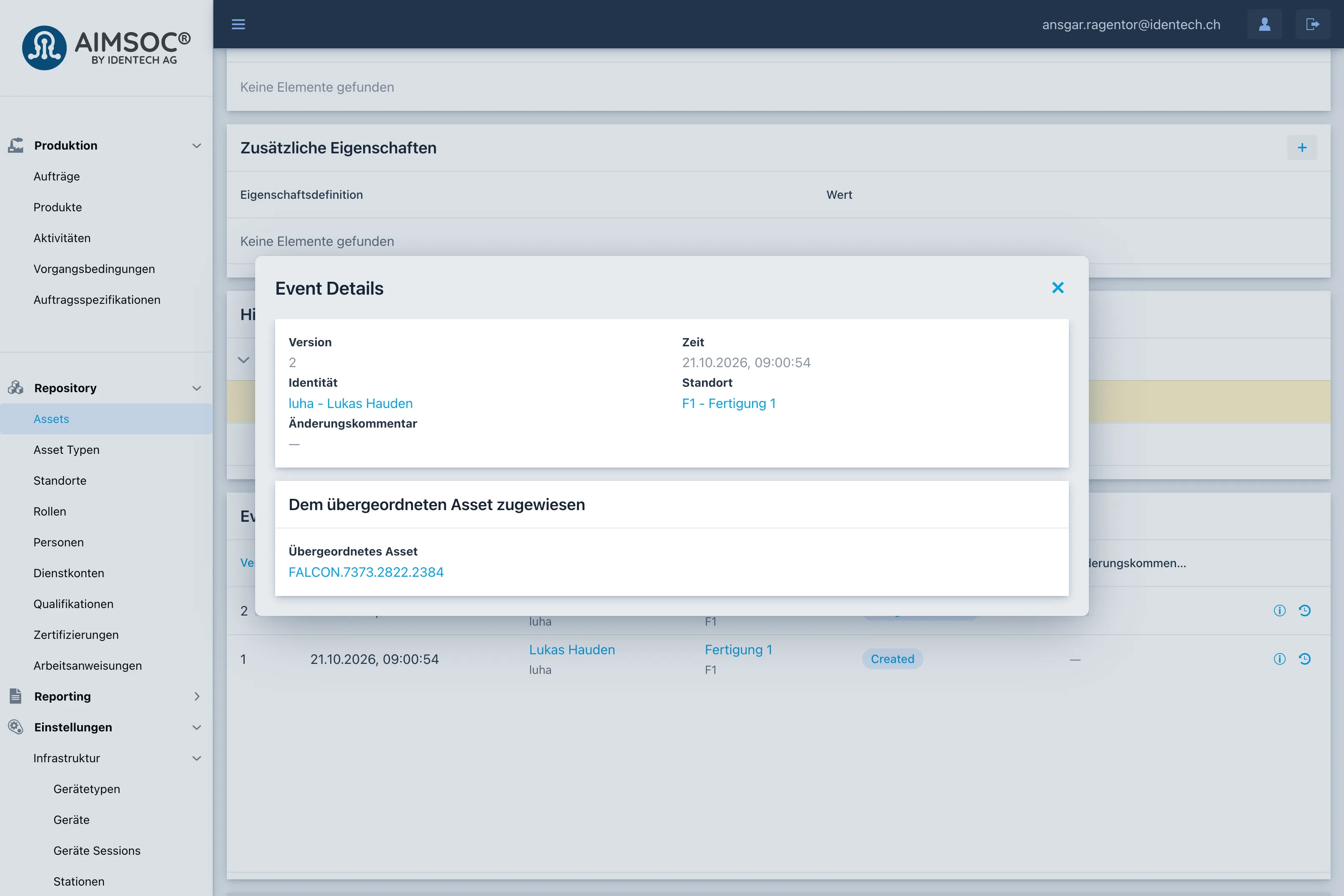
Opening an event shows exactly what changed, next to who changed it, where and when. 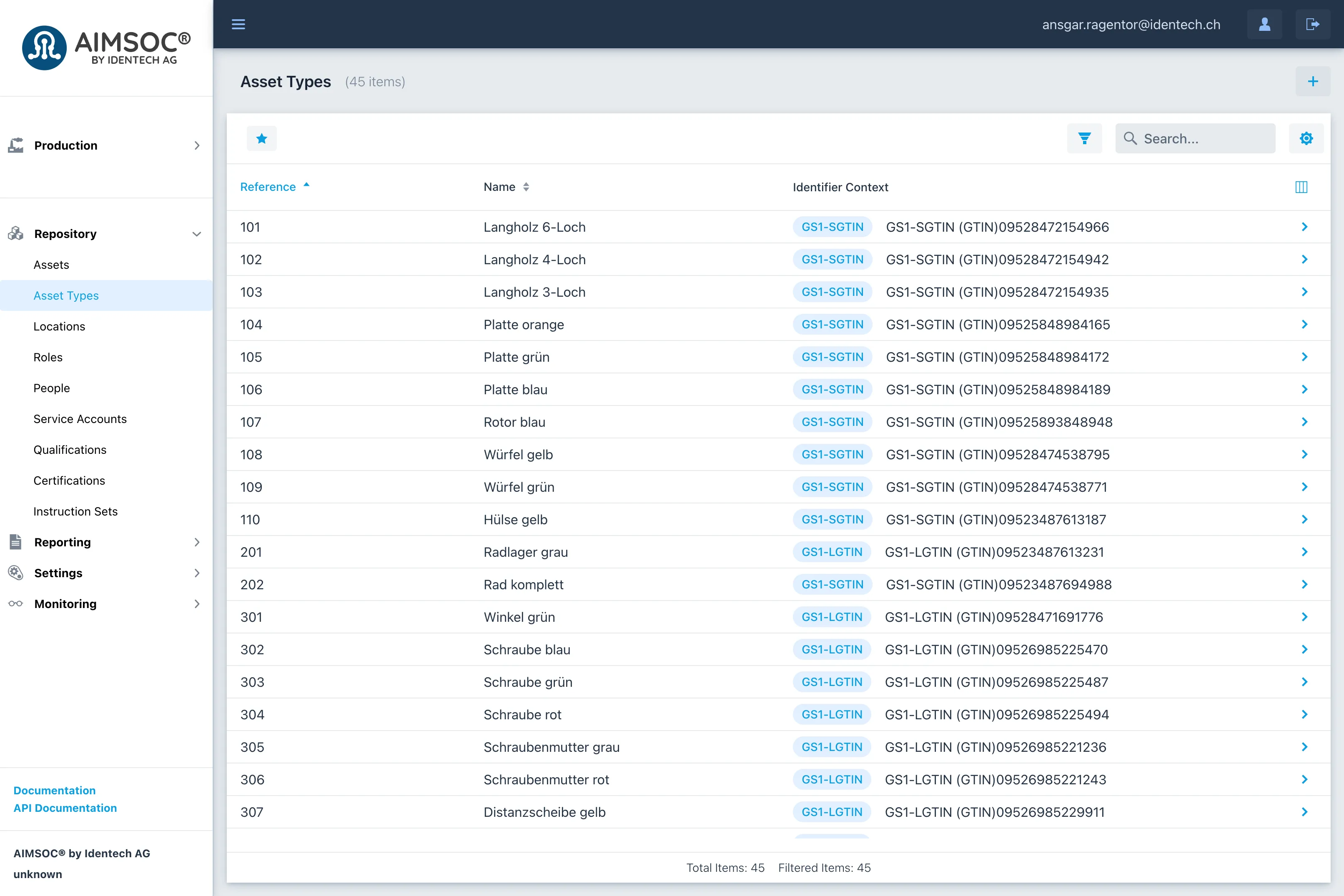
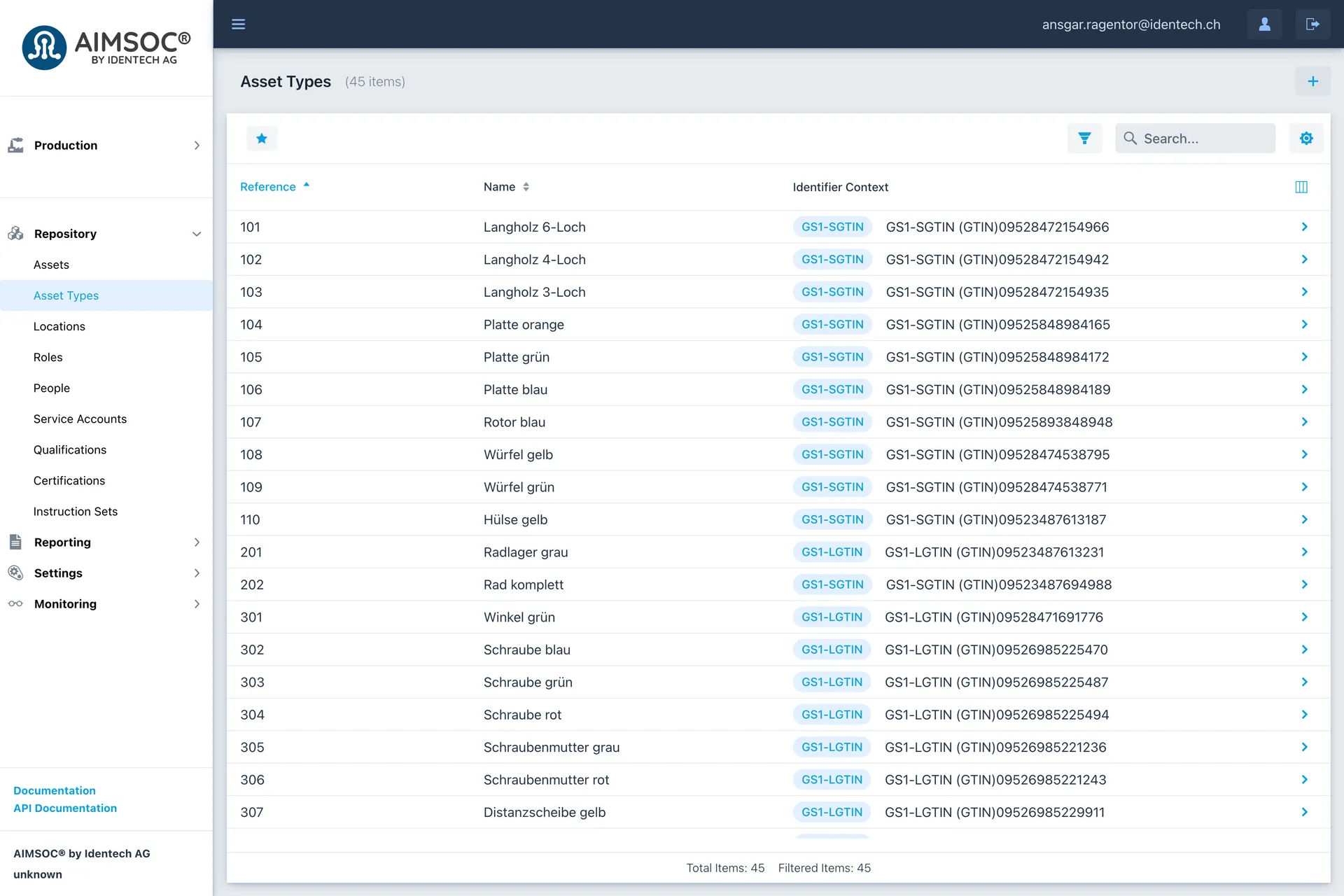
Each kind of item states which identifier its items carry, so a scan is recognised as the right kind of item. 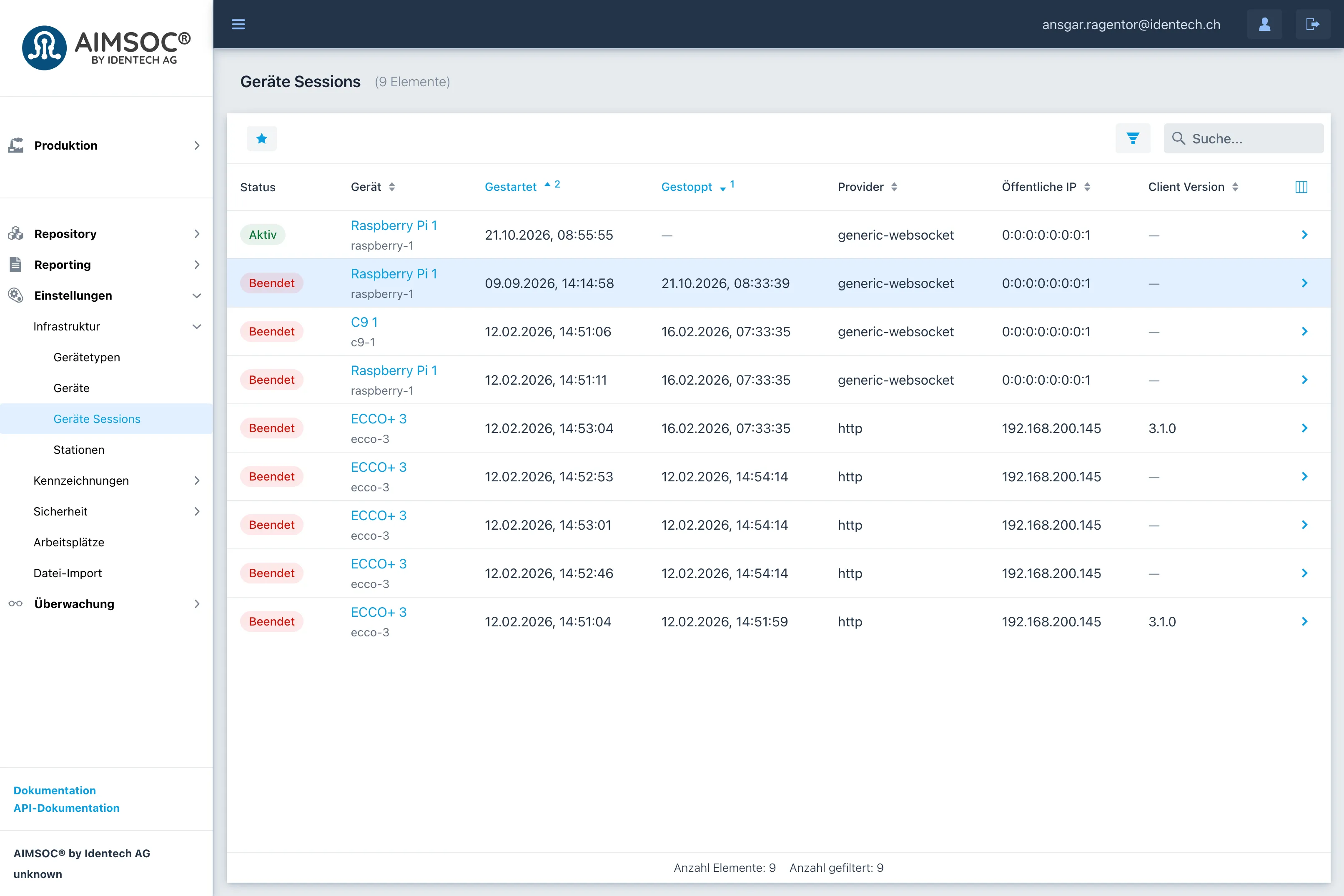
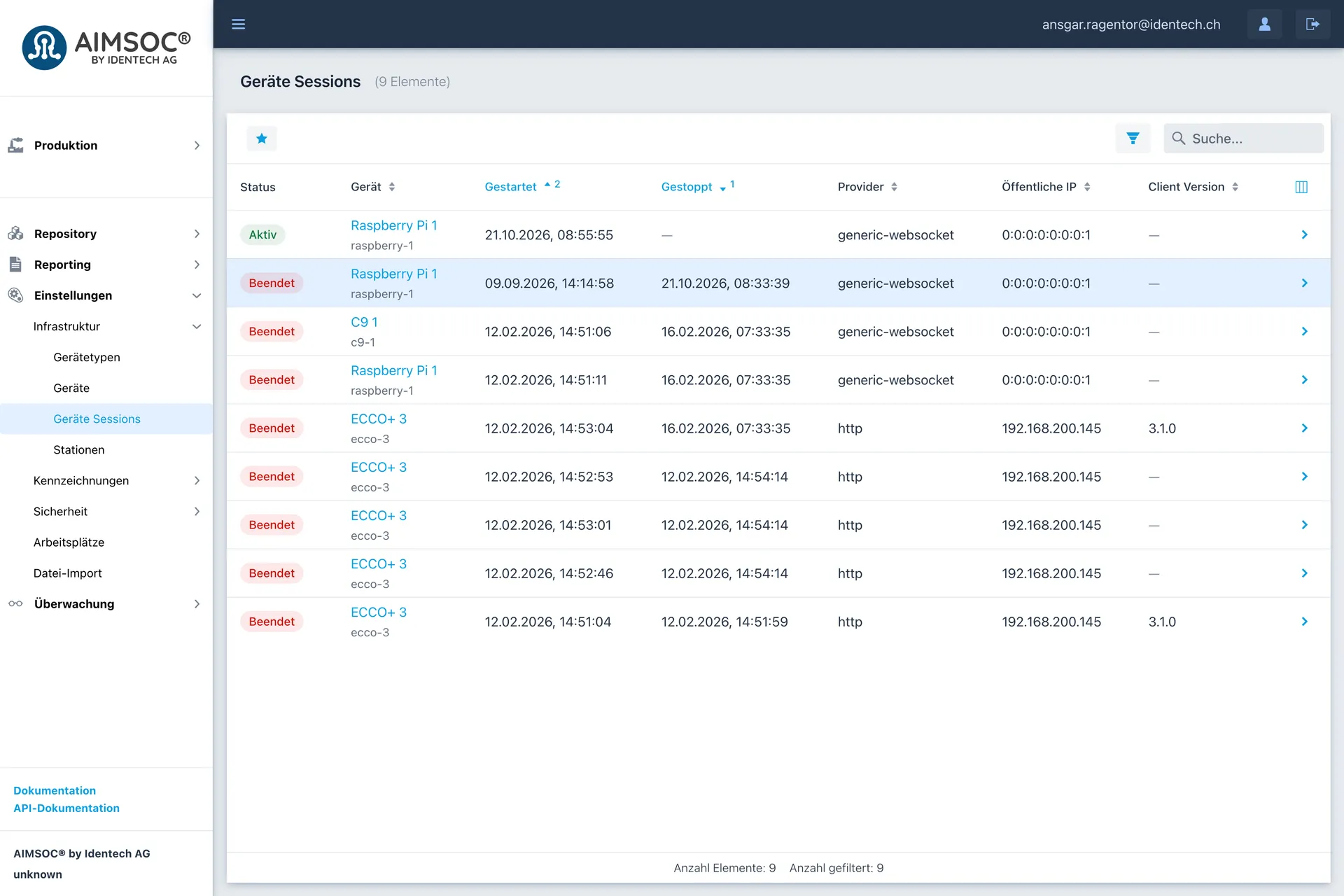
Which devices are connected at any moment can always be seen. 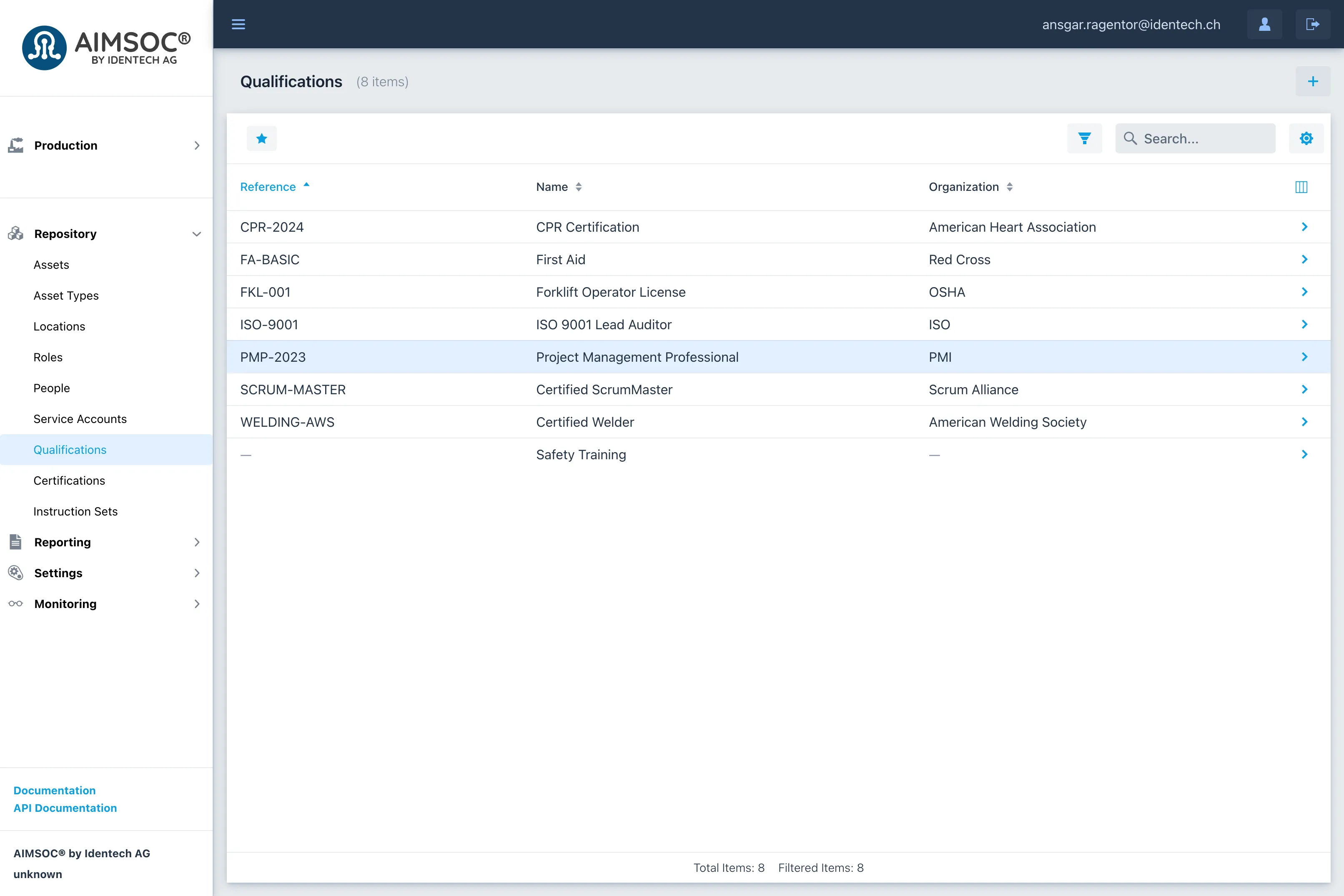
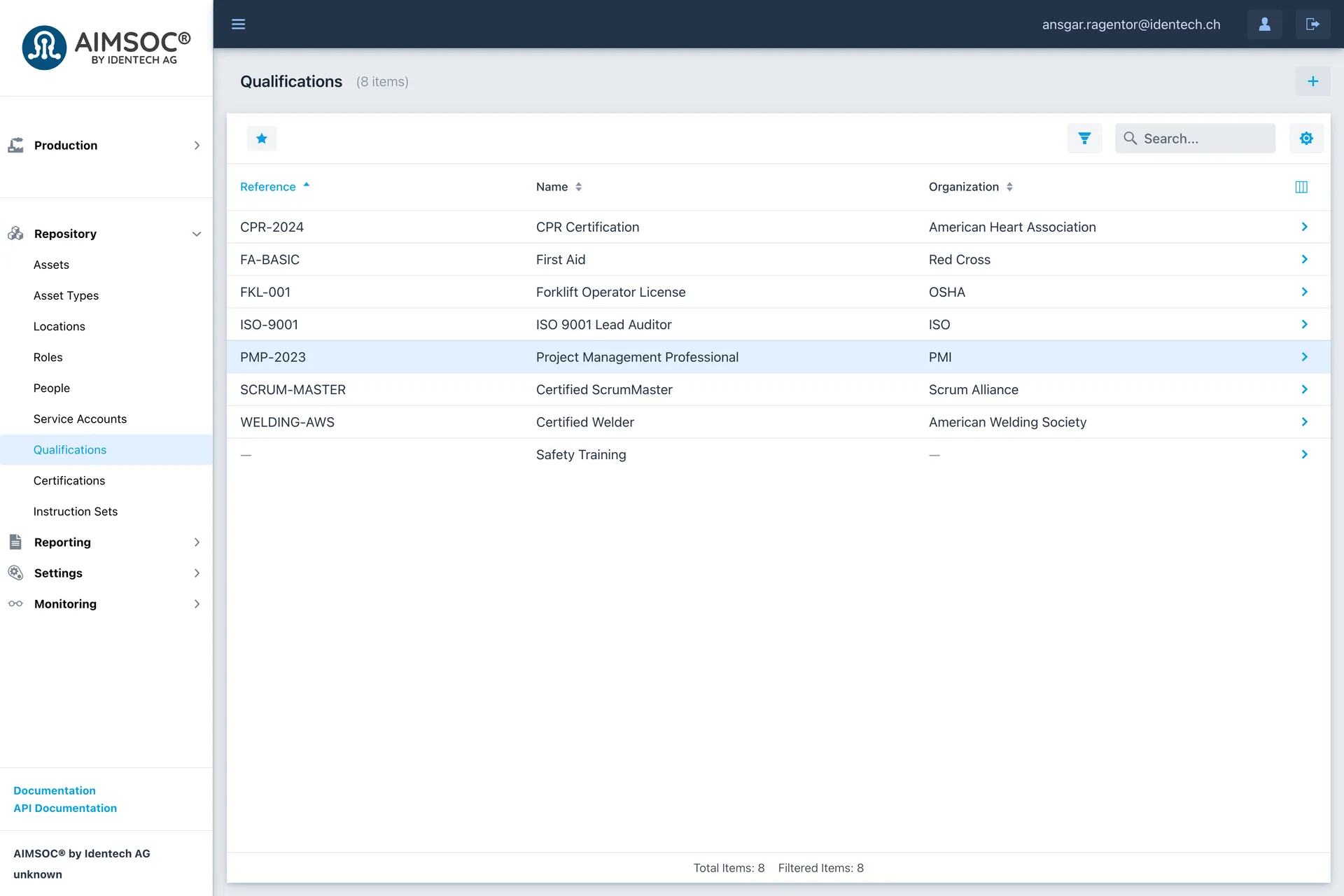
A qualification is recorded once and can then be assigned to people as a certification. 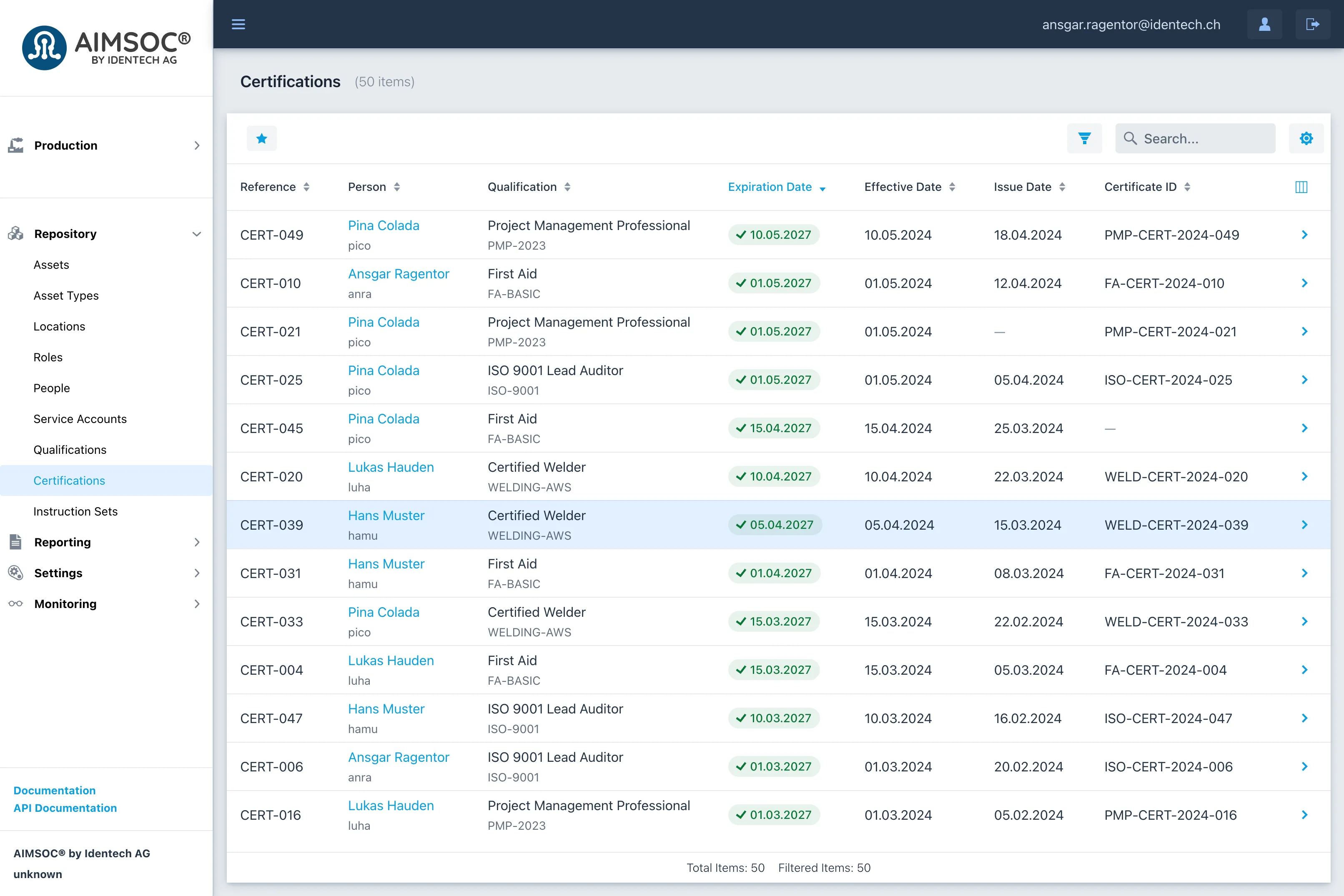
A certification records which person holds which qualification, and that is what a step can be restricted by.

Where this product helps
 Paperless manufacturing
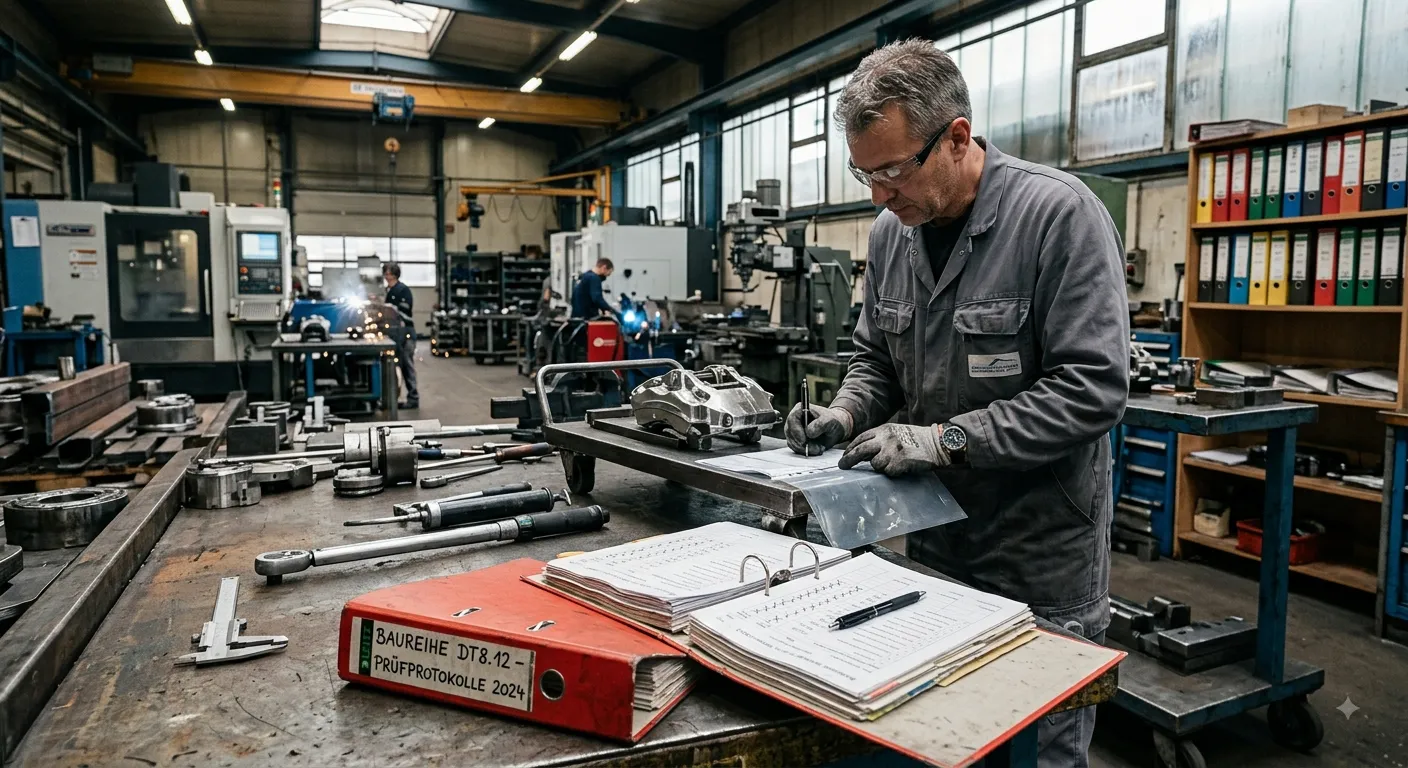
From route card to digital process
Your route card is right only on the day it was printed, and traceability ends at a tick in a binder. You spot mistakes at final test, or at your customer's.
Learn more →
Tell us about your use case
Together, we work out whether and how your process can be digitized.